Google Play will freeze apps that ignore foldables from April 2027
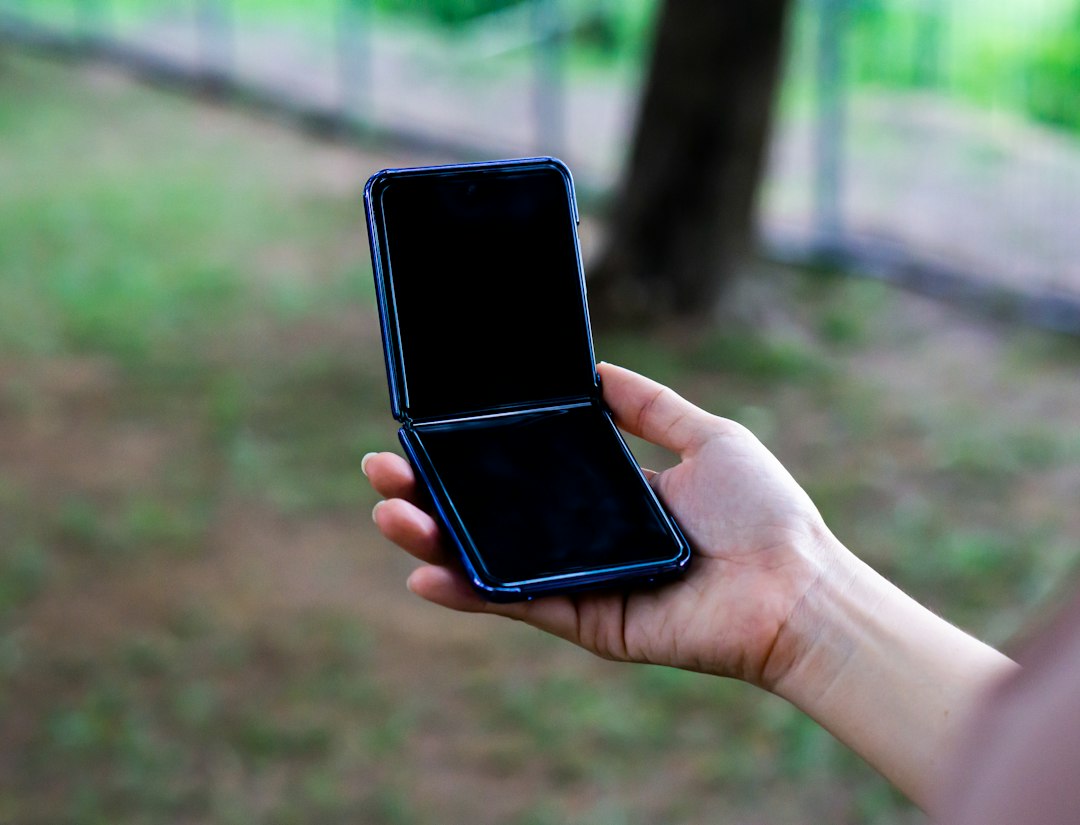
Google has put a date on something most Android teams have been quietly ignoring for years. In an Android Developers Blog post on 18 November, Google set a new minimum for foldable support: starting in April 2027, every app on Play needs to reach Tier 3, which Google calls Adaptive ready, in its adaptive quality guidelines. If your app falls short, you can't publish it or ship updates to it on Play, and it may also show up less in the store. Existing apps that you don't update stay downloadable. So nothing gets pulled. The app just gets frozen.
Tier 3 comes down to three things. The app has to fill the available display without letterboxing or compatibility modes. It has to keep its state (scroll position, text input, media playback) when the device rotates, folds, unfolds or resizes. And it has to work in multi-window. From the same April date, new apps and store listing updates need three foldable screenshots on top of the usual two phone screenshots, and Play Console already accepts them. Games get until August 2027 for the Tier 3 baseline, but the screenshot rule still hits them in April. Separately, new and updated apps must target API level 37 (Android 17) by August 2027. Apps that reach Tier 2 or Tier 1 can apply for premier badging, editorial spotlighting and extra merchandising.
The freeze is the real deadline
The store visibility hit gets attention, but I think it's the smaller problem. The bigger one is losing the ability to ship updates. An app you can't update is an app you can't patch. If a security issue lands in May 2027 and your app still letterboxes on a foldable, you're stuck: you have to fix the layout before you can ship the fix.
In our pentesting work, the gap between "we found it" and "it's live for users" is already the scariest part of any engagement. Making that gap depend on whether your settings screen stretches properly on an unfolded inner display is not a position any team wants to be in. So please don't treat this as a design ticket for next spring. Treat it as a release-blocker that's already on the calendar.
State preservation is where the work is
Filling the screen is usually the easy part. Plenty of apps can get there by removing a portrait lock and fixing a few hard-coded widths. Keeping state across folds and resizes is where we expect most teams to lose time.
We've seen this pattern a lot in healthcare and IoT apps from our native iOS and Android projects. A long intake form, a device pairing flow, a video consultation. These screens were built on the assumption that the activity would never get torn down mid-task, so nobody tested what happens when it is. On a foldable, the user unfolds the phone halfway through typing and the form is empty again. That's exactly the behavior Tier 3 rules out.
There's a security trap here too. When teams rush to add state saving, they sometimes dump everything into it, auth tokens and patient data included. Save what the screen needs to redraw, not your session. And once multi-window is in play, check what's visible when your app sits next to another one, because screens holding sensitive data are now one split-screen away from being on display.
Don't forget the web layer
A good share of the apps we see in our PHP and Docker work are partly or mostly web views wrapping a dashboard that lives on a server. For those apps, Tier 3 compliance is decided as much by your CSS as by your Kotlin. If the web app only has a phone layout and a desktop layout, a 4:3 inner display will land in an awkward middle, and you'll be fixing breakpoints in a codebase the mobile team doesn't own. Bring the web team into this early.
Games have a little longer, but not much
From our work with gaming studios, aspect ratio handling tends to be baked deep into the engine setup and UI scaling, and changing it late is painful. August 2027 sounds far away. It's two or three major content updates for most live games, and you still need the foldable screenshots by April, which means you'll be looking at your game on those screens months earlier anyway. That's a decent forcing function, honestly. Hard to pretend the game looks fine once you've had to screenshot it.
What to do this week
The screenshot uploads are already open, so use them as your audit. Google's set covers a 1:1 unfolded inner display, a 4:3 unfolded inner display and a 10:16 portrait outer display, and you can capture all three with the Android CLI and the Android Emulator. Set up those emulator profiles and walk through your app's main flows on each. Then do the annoying stuff: rotate in the middle of typing, fold and unfold while a video is playing, open split-screen on your checkout or form screens. Write down every place where something letterboxes, resets or breaks. That list is your Tier 3 backlog, and it's probably shorter than you fear, or much longer. Better to know now than in March.
If you're also planning the move to API level 37, do both in the same cycle. Two deadlines in one year from the same store is easier to absorb as one project than as two emergencies.
My honest take: this is overdue, and a bit blunt. Foldables have been around long enough that letterboxed apps are a choice, but tying it to the update pipeline means teams that ignore it lose more than a badge. We've helped clients through store policy shifts like this before (some of that is in our portfolio), and the ones who start with an audit rather than a redesign tend to finish well ahead of the deadline. If you want help with the actual layout and state work, that's the kind of thing our development team does day to day.
If a fragile Android app, a frozen release pipeline and an April 2027 deadline sound familiar, let's talk.